How to Manage Your Qantas Booking: Easy Changes & Upgrades
You booked a Qantas flight earlier, but now your plans have changed. This happens often. A meeting may shift, your trip may get longer, or you may want to upgrade your seat before it sells out. The problem is that making changes is not always simple. There are rules, fees, and timing limits to consider. Many travellers find this confusing.
Here is a clear and simple guide to help you manage your Qantas booking without stress or mistakes.
Your Fare Type Decides Everything
Before touching anything in your booking, check what fare you bought. This single detail determines whether you pay nothing to change, pay $110, or discover your ticket can’t be changed at all.
Qantas domestic Economy fares fall into three buckets. Red e-Deal (cheapest, most restrictive), Saver, and Flex. A Red e-Deal is non-refundable. If you cancel, you’ll likely get a Flight Credit, not cash. A Flex fare lets you cancel for a full refund before departure.
From 30 July 2025, Qantas increased the domestic change and cancellation fee from $99 to $110 across Economy and Premium Economy Saver fares. Business Class fares are unaffected and remain fully flexible.
How to Access Manage Booking
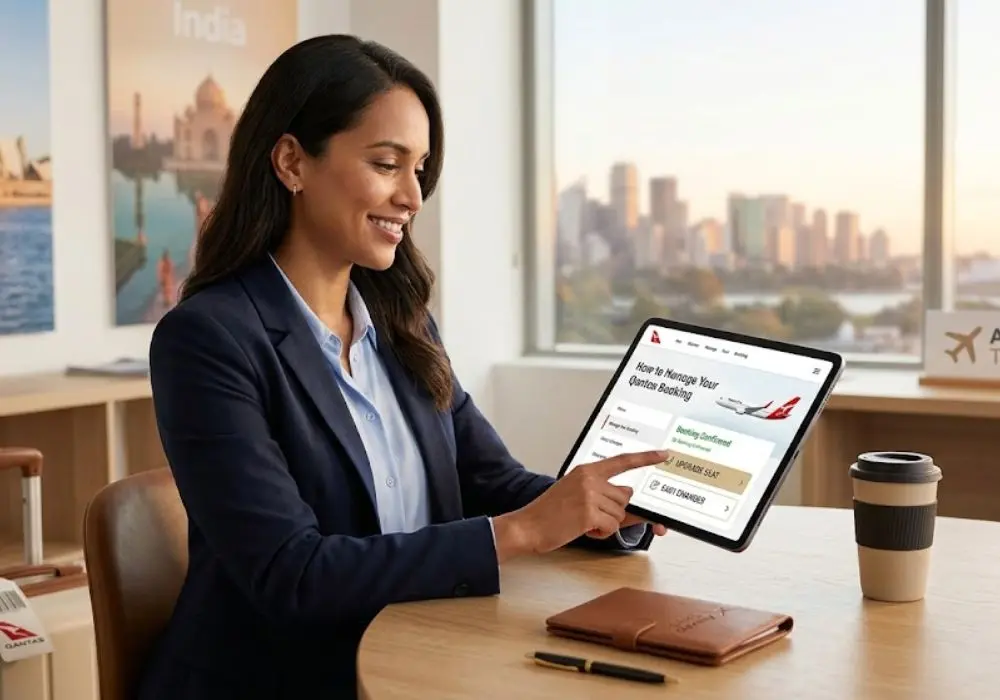
Head to Qantas and click “Manage Booking.” Enter your booking reference and last name, or log in through your Qantas Frequent Flyer account.
Select the red “Change” button in the Flights panel, make your changes, and accept any applicable fees or fare differences.
A common complaint on travellers’ community forums is the Change button showing as greyed out with no explanation. If that happens, your fare type or booking source doesn’t support online changes. You’ll need to contact Qantas directly, and a service fee may apply.
Qantas gives you until midnight on the same day you make your booking to correct any mistakes, with no change fees, though a fare difference may still apply. That same-day window is a genuine lifesaver for people who catch a typo quickly.
We’ve seen plenty of cases where the Change button is greyed out simply because a Points booking wasn’t accessed while logged into the Frequent Flyer account that made it. If that’s your situation, log in first, then retrieve the booking that alone often fixes it.
Changing Your Flight and the Group Booking Trap
If your fare allows date or time changes, go into Manage Booking, hit “Change,” select your new flight, and confirm. Simple enough, until you’re travelling with others.
Any changes apply to every passenger in the booking. To change flights for individual passengers, you’ll need to separate them first; they’ll be placed in a new booking with a different reference.
This trips up family groups and work travellers all the time. One passenger needs to leave a day earlier. You call up, ask to change just their leg, and then discover the whole booking gets touched.
Our Tip:
We always suggest requesting a passenger separation before making any individual flight change, not after. Tell the Qantas agent your intention upfront and ask them to confirm the new booking reference before proceeding. Get the agent to read it back. One AFF member lost a reward seat entirely because the call centre cancelled the wrong leg during a separation. Written confirmation via callback or email is worth asking for on complex changes.
Cancelling and Your Flight Credit
If your fare is non-refundable and plans fall through, Qantas will issue a Flight Credit and email you the details.
Flight Credits are non-transferable, can only be redeemed at Manage Booking or through a Qantas office, and name changes are not permitted. They’re also subject to a 12-month validity from the original booking date, not from when you cancel.
When you use your Flight Credit, you’ll still need to pay any applicable change fees and cover any fare difference if the new fare is higher.
We always recommend using Flight Credits before the 12-month mark, even if just to rebook a flexible fare that gives you more options later. A credit that expires is money gone for good. If you’re unsure what credits you hold, the Qantas app under “My Account” lists them, and many people forget they have one sitting there.
The Three Ways to Upgrade And Which One to Use
Classic Upgrade Rewards (Points)
This is the most used method and gets priority over everything else. Upgrading from a Discount Economy fare on the East Coast to Perth costs 27,200 points one-way, compared to 41,500 points to book Business Class outright. These figures reflect pre-August 2025 rates. Visit the Qantas upgrade calculator for current pricing.
That’s a real saving if you’ve already paid cash for the fare.
From August 2025, the points required for Classic Upgrades increased by up to 20 per cent. If you have points sitting there, redeeming sooner remains the better play.
Bid Now Upgrades (Cash)
No status or points required. If you hold an Economy ticket and are eligible, you can bid to upgrade to Business or Premium Economy. Business ticket holders can bid for First Class on eligible flights.
You’ll receive confirmation between 24 and 2.5 hours before departure. Don’t check in before you hear back; doing so can block the upgrade from going through. This catches people out regularly.
International Economy Sale fares and all bookings through Qantas Group Travel are ineligible for Bid Now Upgrades.
Domestic On-Departure Upgrade Rewards
Available to Platinum One, Platinum, Gold, Qantas Club, and Points Club Plus members who have checked in three hours before departure. Requests are confirmed on the spot. Domestic only, paid in points.
Our Tip:
We’ve found Bid Now upgrades work best mid-week on routes like Melbourne to Singapore or Sydney to Dubai, where Business isn’t sold out. For domestic routes like Sydney to Perth, Classic Upgrade Rewards still give better value, especially for Gold and above members. Never bid the minimum on Bid Now and expect a result on a busy Friday evening flight.
When Qantas Changes Your Flight
If Qantas alters your schedule, your rights are different to when you initiate a change. When the change is involuntary, fees and fare differences are not normally charged.
If the adjusted schedule doesn’t work for you, Manage Booking will show alternative options, including a Flight Credit or refund.
We recommend keeping your contact details current in Manage Booking at all times. Qantas sends schedule change notifications via the app, email, and SMS, but only to the details on file. Travellers who booked years ago with an old phone number miss these alerts entirely and find out at the airport.
Booked Through a Third Party? Here's the Problem
If you booked through a third-party platform, the Change button in Manage Booking often won’t work for you at all. You’ll need to contact your booking provider directly for any changes, as long as your fare rules permit it.
If your flight is changed or cancelled and you booked through a third-party website, contact those companies to discuss your options. Qantas can’t always action changes on tickets they didn’t issue.
We always book directly on qantas.com for any trip where flexibility matters. Yes, a comparison site might show you a fare $15 cheaper, but handing over control of your booking to a third party costs far more than that when plans change. The loss of direct management access alone isn’t worth the savings.


Oscar Mike
Oscar Mike is a professional content writer and passionate traveler with more than 8 years of experience in crafting engaging travel content. He enjoys sharing his travel experiences, useful tips, and destination guides to inspire others to explore the world.
When he’s not writing, you’ll find him playing with his beloved cats and kittens.